How Pricing Works
PromptDuty uses usage-based billing. You're charged based on the number of unique users who actively use the extension each month, not a fixed seat count.
Per-User Pricing
| Plan | Price | Key Features |
|---|---|---|
| Essentials | $8/user/month | PII detection, warnings, 30-day logs |
| Professional | $12/user/month | + Smart masking, 1-year logs, compliance reports |
| Enterprise | $18/user/month | + SSO/SAML, unlimited logs, dedicated support |
If 47 employees use the extension in January on the Professional plan, you'll be charged 47 × $12 = $564 for that month.
What Counts as an Active User?
A user is counted when they activate the extension with your license key. Each unique device/browser profile counts as one user per billing period.
- Users are counted once per month, even if they use the extension daily
- If an employee uses multiple devices, each device counts separately
- Inactive devices (extension not used) don't count
Your Dashboard
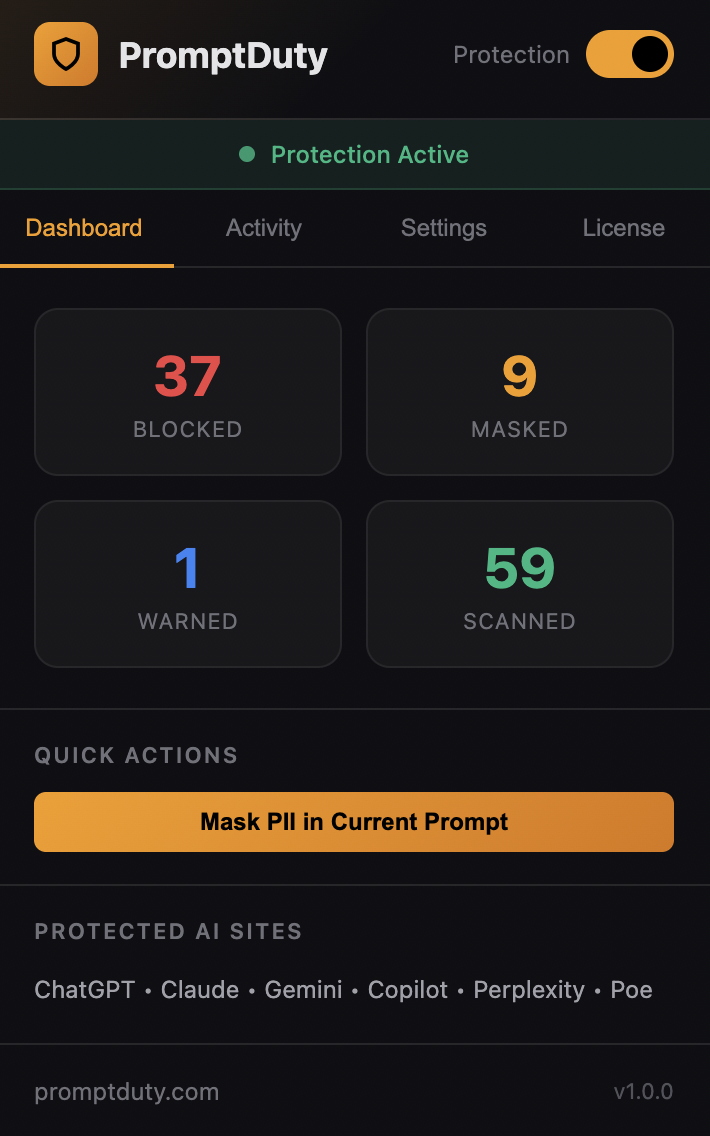
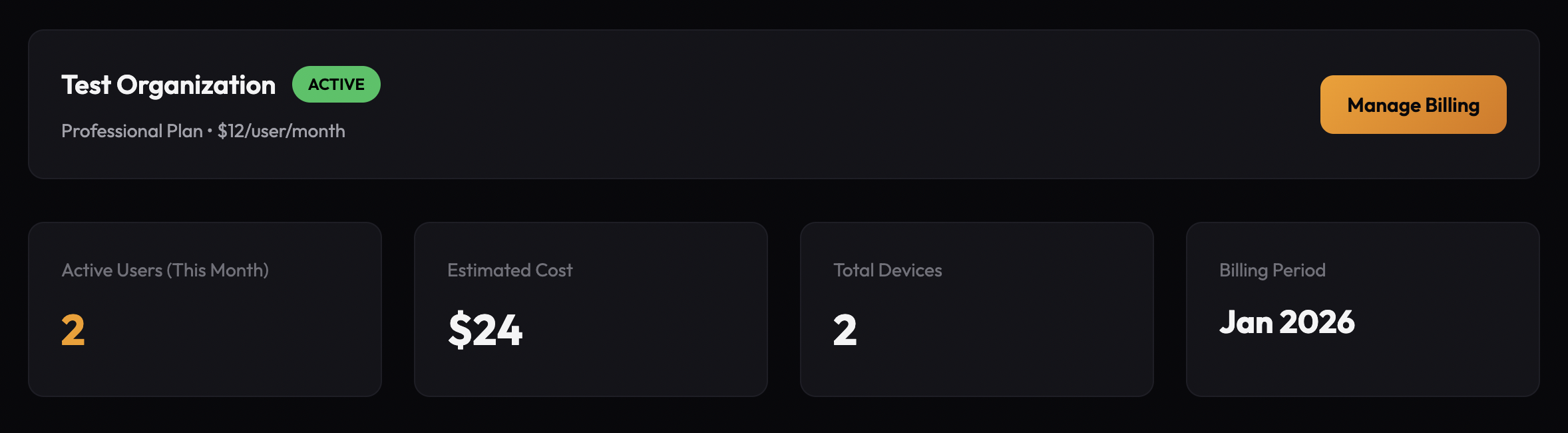
The dashboard at promptduty.com/dashboard shows your subscription status, active users, and license key.
Dashboard Features
- Active Users (This Month) — How many unique users have activated the extension this billing period
- Estimated Cost — Your projected bill based on current usage
- License Key — Your organization's unique key for deploying the extension
- Manage Billing — Link to update payment methods, view invoices, or cancel
Getting Your License Key
After subscribing, your license key is displayed on the dashboard. This key is used to:
- Activate the extension for individual users
- Pre-configure the extension when deploying via Intune or Google Workspace
- Track usage for billing purposes
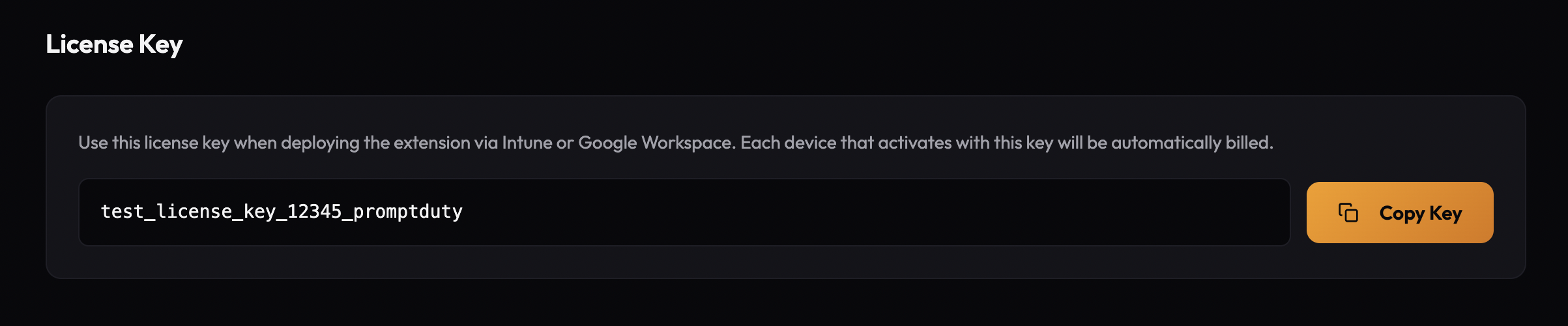
Click Copy Key to copy the license key to your clipboard. You'll need this when deploying the extension to your organization.
Managing Billing
Click Manage Billing on your dashboard to access the billing portal where you can:
- Update your payment method (credit card, bank transfer)
- View and download past invoices
- Change your subscription plan
- Cancel your subscription
Changing Plans
You can upgrade or downgrade your plan at any time:
Upgrading
New features are available immediately. You'll be charged the difference prorated for the current billing period.
Downgrading
Changes take effect at the start of your next billing period. You keep access to current features until then.
Cancellation
To cancel your subscription:
Go to Your Dashboard
Visit promptduty.com/dashboard
Open Billing Portal
Click Manage Billing
Cancel Subscription
Select Cancel subscription and follow the prompts
The extension will continue working until the end of your current billing period. After that, users will see an "unlicensed" status but can still use basic features.
If you have questions about billing or need assistance with your subscription, contact us.